
The Video That Costs Nothing (And Sometimes Works Better)
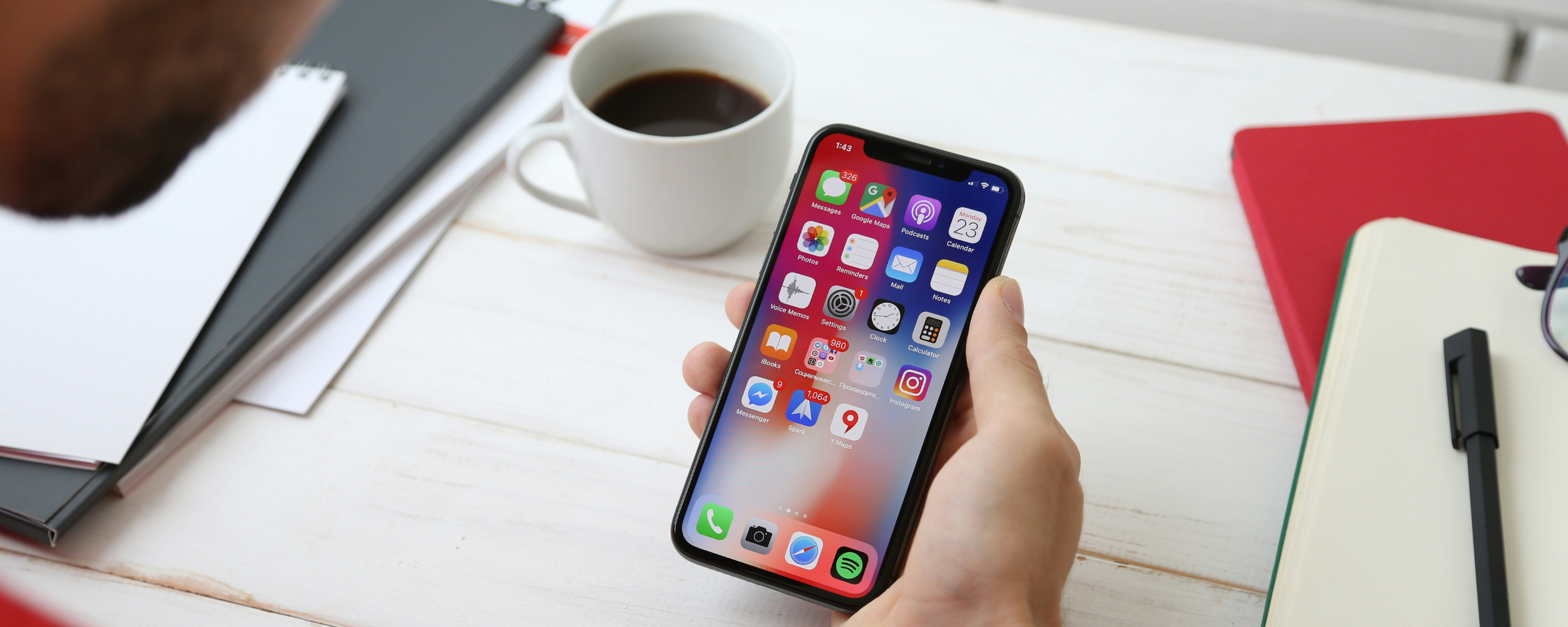
Here’s a secret: some of the most effective videos are made on phones.
Not because phone cameras are good. Because they’re held by people who actually know their organization.
A staff member shooting their colleague with a phone camera, recorded naturally, no script —that video might outperform a $5,000 professionally shot piece because it feels real.
This doesn’t mean you should always DIY your video. But it does mean you shouldn’t assume you need money to start.
What You Can Actually Do With a Phone
The phone in your pocket has more processing power than NASA’s computers 30 years ago. The camera is legitimately good—as long as you know a few basics.
Here’s what a phone camera can accomplish:
Testimonial videos (conversational, authentic)
Staff messages or explanations
Event coverage
Behind-the-scenes content
Quick tips or educational pieces
Participant/beneficiary reactions (short form)
Volunteer appreciation videos
Tour walkthroughs
Anything that prioritizes authenticity over production value works great on phone.
The Basics That Make Phone Video Work
You don’t need much. But you need these four things:
1. Decent lighting.
The biggest problem with phone video is dark or uneven lighting. Shoot outside or near a window. That’s literally it. Natural light beats studio lighting when you’re going for authenticity.
2. Stable framing.
Don’t hold the phone. Prop it up. Use a cheap tripod ($20), a stack of books, or a phone holder. Shaky video looks unprofessional. Stable video looks intentional.
3. Clear audio.
Phone mics are actually pretty good—as long as you’re recording someone talking, not trying to capture ambient sound. Hold the phone close enough to hear them clearly. If there’s background noise, try to minimize it.
4. Simple editing.
iMovie (Mac), Windows Photos, or even TikTok have basic editing. You need to: trim the start and end, cut out the awkward pauses, maybe add some simple music. That’s it.
The Free Video Formula That Actually Works
If you have zero budget, here’s a formula that works:
Step 1: Identify someone with a story—a staff member, a participant, a volunteer. Someone real.
Step 2: Prep them with one simple question: “Tell me about [experience/impact/what you do here] as if you’re telling a friend.”
Step 3: Shoot on a phone in natural light, props for stability, natural audio. 5-10 minutes of rolling footage.
Step 4: Edit down to 2-3 minutes. Keep the best parts. Cut out the rough starts and the “ums.”
Step 5: Upload to YouTube or embed on your website.
Total cost: $0. Total time: 1-2 hours. Potential impact: Sometimes massive.
When Free Video Actually Outperforms Expensive Video
There’s a category where low-budget phone video beats expensive production every time: authentic social proof.
When a current resident films a 90-second phone video about why they love their community, people believe it more than a slick testimonial. Because it looks like something a real person would do.
When a staff member shoots a quick message on their phone explaining a program, people trust it more than a voiceover script.
The “unprofessional” look is actually more professional because it signals authenticity. Expensive video signals “marketing.” Phone video signals “real.”
The Hybrid Approach
Smart organizations do both:
1-2 high-quality videos per year that build brand/tell organizational story 6-10 low-quality videos per month that build community and authenticity
The low-quality videos actually drive engagement and trust. The high-quality videos drive emotional connection and donor relationships.
You don’t have to choose. You can do both.
Where Phone Video Falls Short
Don’t use phone video for:
Major donor campaign videos
Fundraising asks to large audiences
Brand/organizational identity videos
Anything where production value communicates value
Use phone video for authenticity. Use professional video for emotion and persuasion.
The Permission Slip You Needed
If you’ve been thinking “We don’t have budget for video, so we can’t start,” here’s your permission: Start anyway.
Shoot something on your phone this week. A staff member talking about what they do. A quick volunteer appreciation. A behind-the-scenes moment.
Upload it. See what happens.
You might be surprised. And you’ll have started building a video library without spending money.
The Progression
Most organizations that eventually do high-quality video started with phone video:
Month 1-3: Staff members shooting quick, authentic videos on phones. Building muscle. Learning what works.
Month 3-6: Seeing results. Getting feedback. Understanding what moves people.
Month 6+: Investing in quality production because they understand why it matters.
They didn’t wait for budget. They started with what they had. And by the time they invested in quality production, they knew exactly what they wanted.
Your Next Step
You don’t need budget to start with video. You need intent.
Pick one story. One person. One 10-minute window.
Shoot it on your phone. Upload it. See what people say.
That’s how you start. Not with budgets and production companies. With a phone and a story.
And sometimes, that’s exactly what works best.
Next Steps: If you’re ready to explore how video—at any budget level—could work for your organization, we’d love to help. Bottled Media has worked with organizations starting from nothing and scaling to sophisticated production. Let’s figure out what makes sense for where you are.